The SAMMI service connectivity allows you to control functionality in the software, such as triggering/releasing buttons. To connect to SAMMI, please ensure the software is running and the API is enabled on the settings menu.
To interact with the software, you would add a SAMMI Action to your command.
SAMMI Action
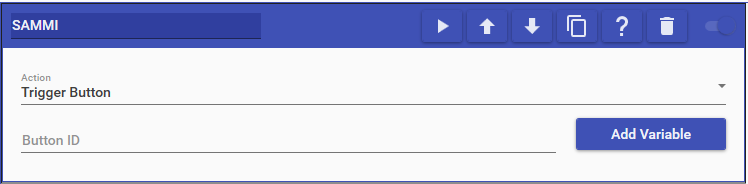
SAMMI actions allow you to interact with the SAMMI software. The actions you can perform include:
- Trigger Button: Triggers a button built within SAMMI with an optional set of variables to send to the button.
- Release Button: Releases a button built within SAMMI with an optional set of variables to send to the button.
- Set Global Variable: Creates/Updates a global variable within SAMMI with the specified name and value.